
Picture there.
Sound here.
Already watching one? Type the four letters on it.
Aside plays any screen silent and sends the sound to each person's own phone or headphones, in step with the picture. Nothing to install.

Try it on this page
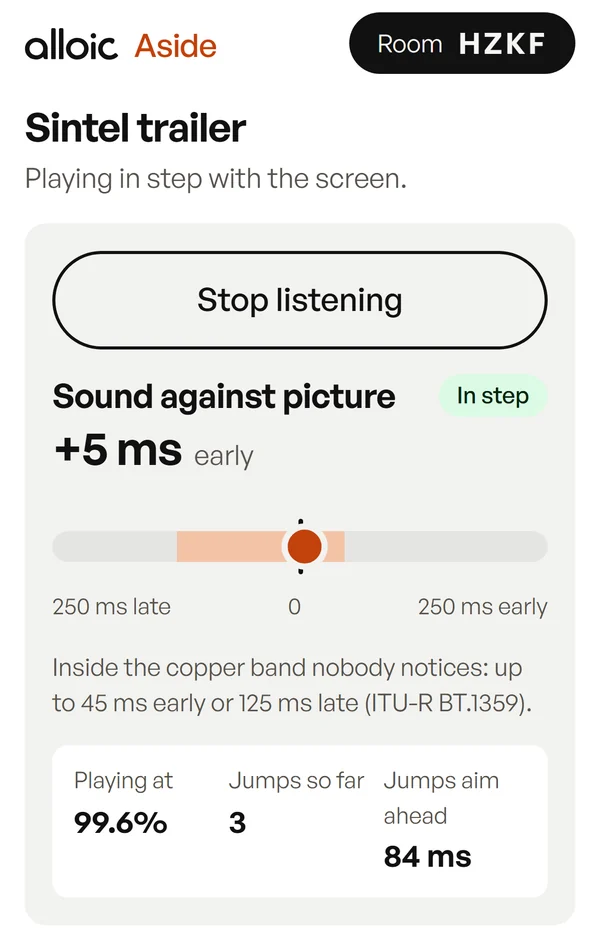
Sound against picture
0 mssound off
- Playing at
- 100.0%
- Jumps so far
- 0
- Jumps aim ahead
- 0 ms
This page is doing both jobs. The picture has no sound track; the tick is a second file, held against the flash and measured as it plays. On a real screen that second file plays on your phone.
Where it earns its place
The late film
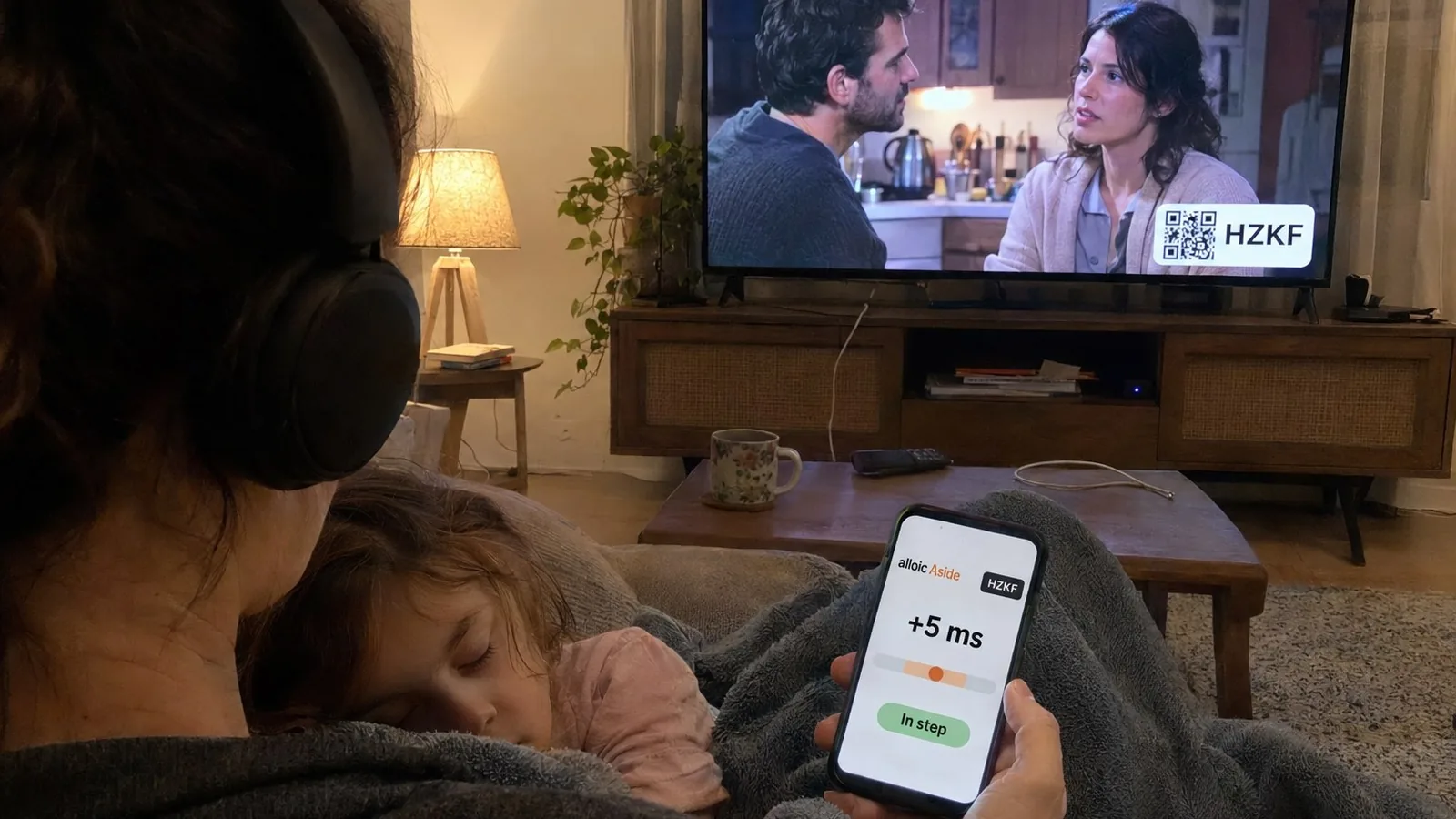
She is asleep on your shoulder. The TV stays silent; the film stays loud, in your ears.
-
The gym wall
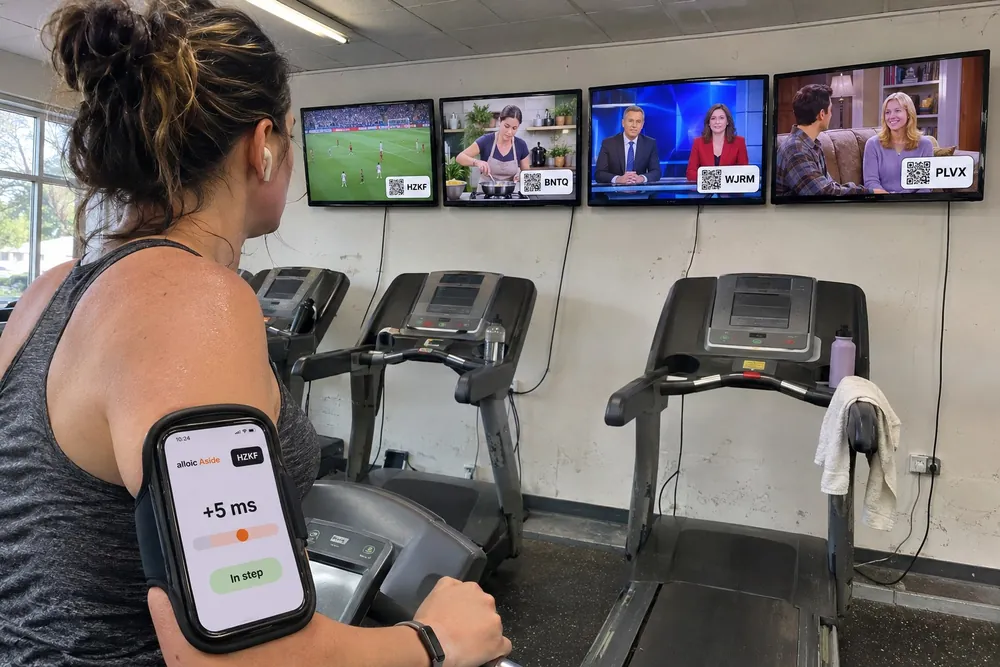
A row of screens, one room. Each screen has its own code, so each person hears the one they are watching.
-
The waiting room
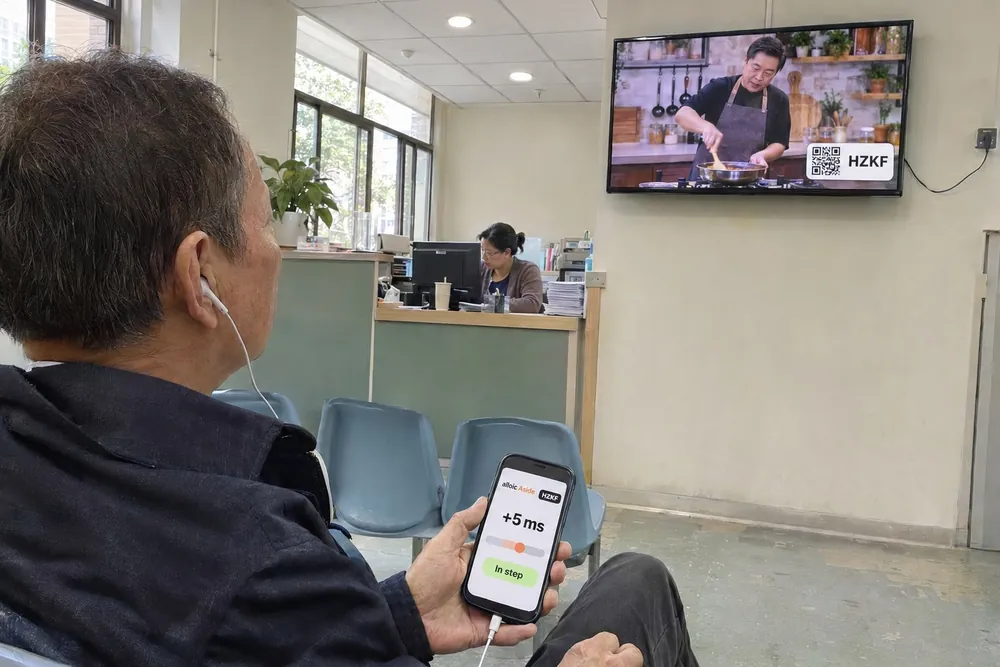
Quiet for the people who work there. Audible for anyone who wants to follow along.
-
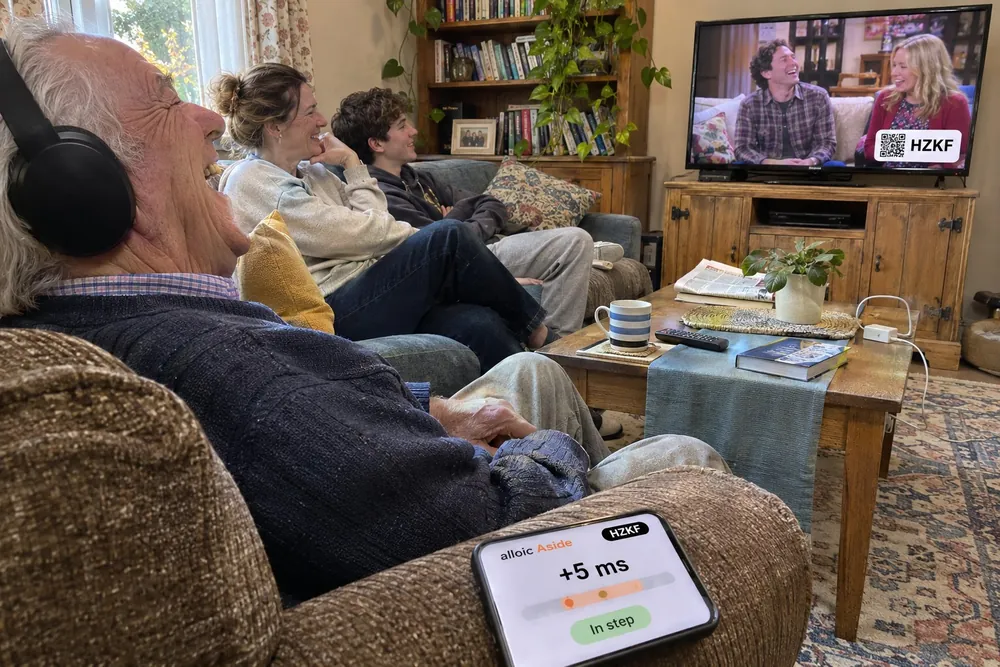
The hard-of-hearing seat
One person turns it up as far as they need, without turning it up for everybody else.
The tools
The line-up
Tap along to a flash, then to a tick. Aside works out how late your headphones are and corrects it for you.
Headphone memory
Every pair is late by its own amount. Name them once and the right delay comes back when you pick them.
The sync meter
A live reading, in milliseconds, of where your sound sits against the picture.
A room code
Four letters and a square code on the screen. Scan it and you are in. No app, no account.
The remote
Pause and skip from your seat. Whoever runs the screen can take the remote back.
Cast and AirPlay
Send the picture to a TV from Chrome or Safari. The sound stays on the phone in your hand.
What it plays
Your files and links
Any video a browser can open: a clip on the computer, a download, a link to an .mp4.
On any screen
A laptop on a cable, the TV's own browser, or a cast from Chrome or Safari to Chromecast and AirPlay.
Not locked streams
Netflix and the like keep their sound inside their own player. Aside plays what you are free to play.